Site Optimizer is a powerful plugin designed to enhance the overall performance of your WordPress website. By implementing a series of optimizations, this plugin improves your website’s loading speed, user experience, and overall performance.
This plugin is designed to provide a comprehensive solution for optimizing your website’s Largest Contentful Paint metric, improving both user experience and SEO performance. With a range of powerful features and an intuitive interface, LCP Optimizer is the ultimate tool for enhancing your WordPress website’s performance.
Key Features:

Username : demo
Password : demo

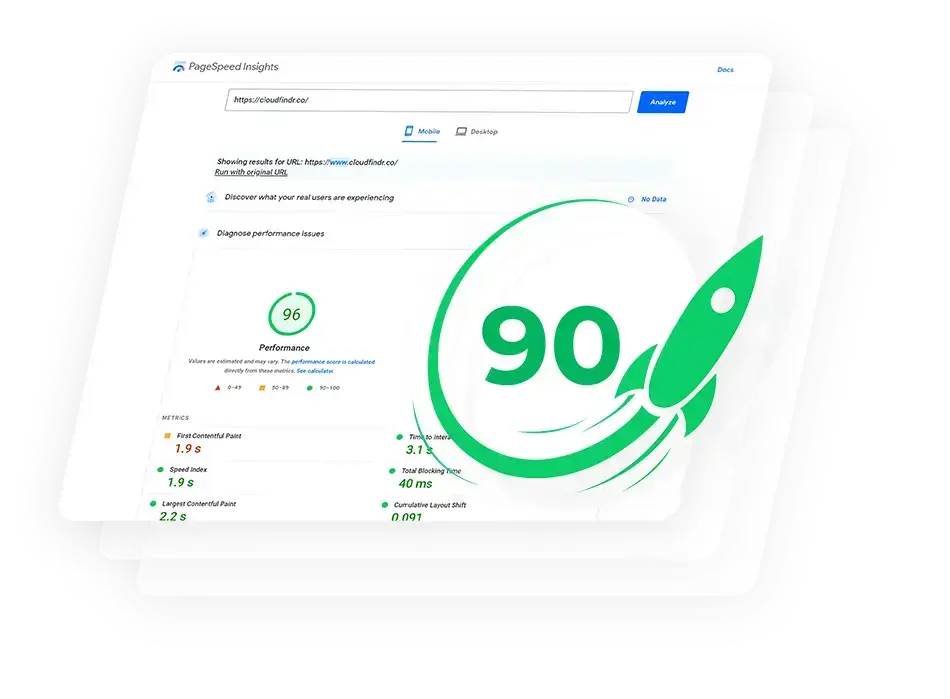
- Image Optimization:
- WebP Conversion: Automatically converts uploaded images to the WebP format, which provides superior compression and quality compared to JPEG and PNG formats.
- Bulk WebP Conversion: Allows batch conversion of existing images in the media library to WebP format.
- Serve Scaled Images: Ensures images are appropriately scaled to the size they are displayed, reducing unnecessary data transfer and speeding up page loads.
- CSS and JavaScript Optimization:
- Inline Critical CSS: Captures and inlines critical CSS from the theme to ensure the most important styles are loaded first.
- Async Non-Critical CSS: Loads non-critical CSS asynchronously to prevent it from blocking the rendering of the page.
- Defer JavaScript Parsing: Defers the parsing of JavaScript files to speed up the initial rendering of the page.
- Preload Key Resources: Preloads key resources such as fonts and critical CSS files to improve page load times.
- Lazy Loading:
- Lazy Load Images: Delays the loading of images that are not immediately visible in the viewport, which improves initial page load performance.
- Preload Pages: Uses Intersection Observer to preload pages linked from the current page when they come into the viewport.
- Browser Caching:
- Leverage Browser Caching
- Server Optimizations:
- Reduce Initial Server Response Time
- Object Caching
- User-Friendly Interface:
- Admin Settings Page: Provides an easy-to-use settings page where you can enable or disable various optimizations.
- Bulk Action for WebP Conversion: Adds a bulk action to the media library for converting multiple images to WebP format simultaneously.
- Individual Image Conversion: Adds an option in the media library to convert individual images to WebP format.
- Additional Features:
- Reduce DOM Size Tips: Provides tips on how to reduce excessive DOM size to improve performance.
- Font Preloading: Automatically detects and preloads Google Fonts and other enqueued fonts to ensure they load quickly.